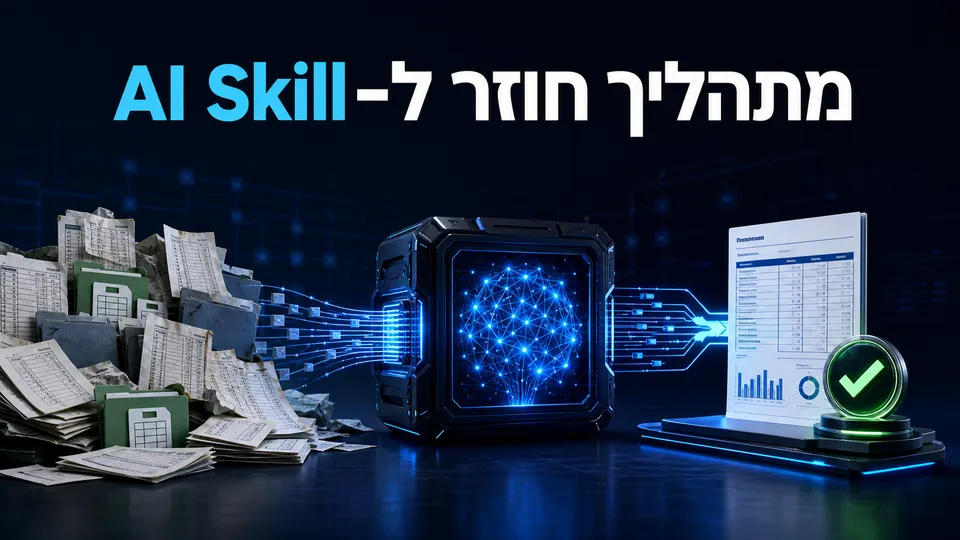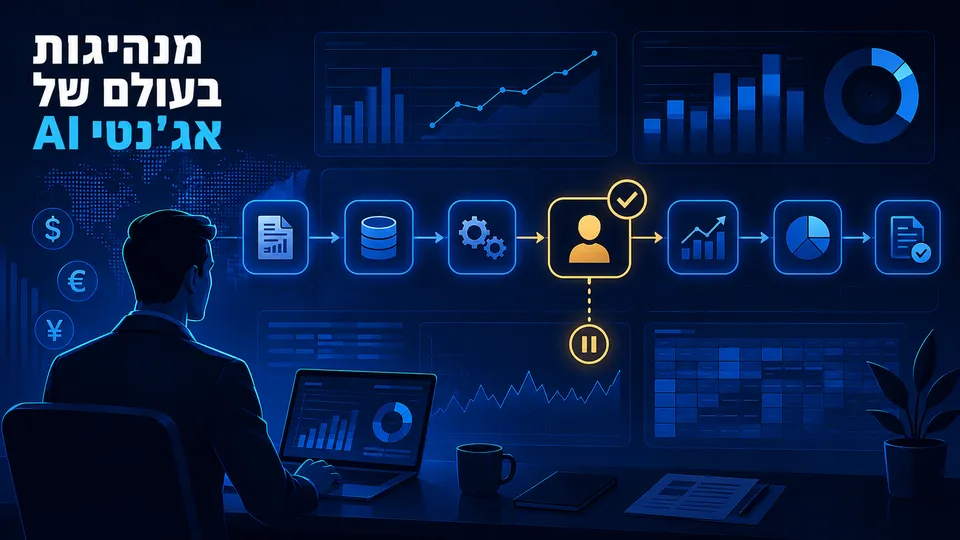
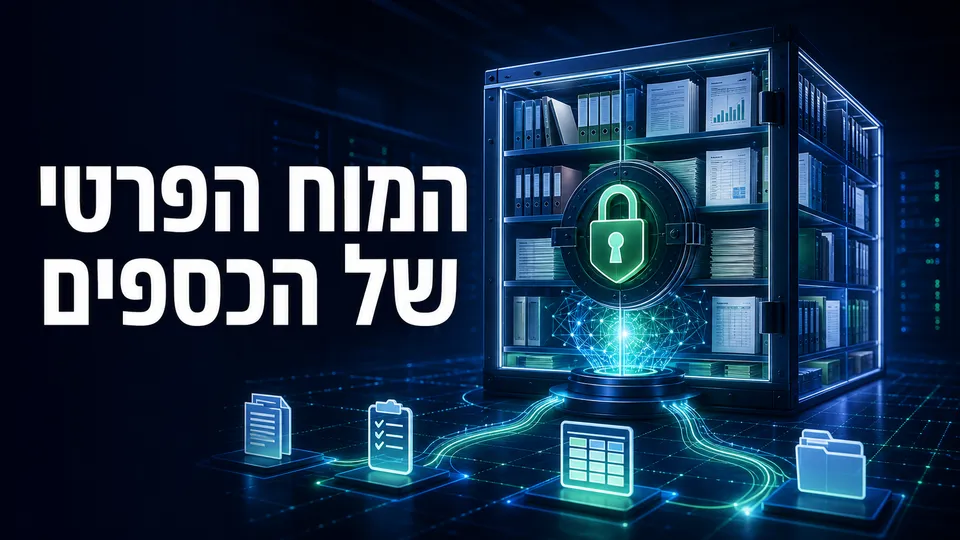
An AI knowledge base lets you ask questions about procedures, contracts, policies and reports and receive answers based on the department's documents. But “private” is not a feature of a single product. It is the result of architecture: where files are stored, who creates embeddings, where the vector database resides, which model writes the answer and which connections reach the network.
AnythingLLM can be installed on a private computer or server, but connecting a cloud model or external embedding provider may send parts of the information to that provider. Examine the entire processing chain, not just where the interface is installed.
Who is this for?
This kind of knowledge base may suit finance departments wanting to:
- Consolidate month-end close procedures and controls.
- Locate payment, renewal and indexation clauses in contracts.
- Support employee onboarding.
- Query travel, purchasing and expense reimbursement policies.
- Work with a collection of reports and management documents.
- Reduce reliance on a particular employee's memory.
It is not a substitute for ERP or a source of truth for changing amounts unless a controlled connection to the source system has been built.
How does a RAG knowledge base work?
Retrieval-Augmented Generation involves several layers:
- Document storage: PDF, Word, Excel or text files are stored on a computer, server or in the cloud.
- Extraction and chunking: The system reads the document and divides it into sections.
- Embeddings: A model converts each section into a numerical representation for semantic search.
- Vector database: Representations are stored in a database for retrieval.
- Retrieval: For a new question, the system finds relevant sections.
- Language model: The question and retrieved sections go to a model that writes an answer.
Every layer can be local or external. Local documents with cloud embeddings are not a fully local configuration. Even with a local vector database, retrieved sections may be sent to a cloud language model.
Three common configurations
Fully local
- Files on an organizational computer or server.
- A local embedding model.
- A local vector database.
- A local language model.
- Telemetry disabled and network connections restricted.
This offers the most control, but requires hardware, maintenance, security updates and user management. A small local model may also perform less well on complex scenarios.
Hybrid
Files and the database stay within the organization, but relevant sections go to a cloud model. This can improve performance and reduce hardware needs, but requires an appropriate agreement, review of data retention, permissions and a policy for content sent externally.
Cloud
Storage, retrieval and the model are managed as a service. This is simpler to operate but requires detailed review of providers, processing regions, permissions, deletion, logs and subprocessors.
Worked example: a month-end close procedures repository
Step 1: Set boundaries
Start with approved procedures only, not files containing transactions, payroll or customer details. Define the repository's purpose as explaining a process, not posting entries.
Step 2: Clean and organize sources
Add to each document:
- A professional owner.
- Last update date.
- Relevant company and entity.
- Process type.
- Status: draft or approved.
Remove duplicate versions. If the system sees both an old and a new procedure, it may retrieve both.
Step 3: Define test questions
For example:
- Who approves an unusual journal entry?
- When must bank reconciliation be completed?
- Which documents are required for accounts payable close?
- What is the escalation path when approval is missing?
Create approved answers and links to the relevant pages. This is the repository's evaluation set.
Step 4: Define a safe answer
Instruct the system to:
- Answer only from approved sources.
- State the source and page.
- Say “not found in the sources” when information is missing.
- Never invent a rule or date.
- Show a contradiction when two versions exist.
Step 5: Pilot and permissions
Open the repository to a small group. Check accuracy, citation quality, response time and unanswered questions. Only then define access groups by role.
Using AnythingLLM
AnythingLLM is an open-source, local-first project that can run on Desktop, Docker or a self-hosted server. According to its documentation, Mintplex does not host files and chats from a self-hosted installation. Optional telemetry can be disabled.
However, the project emphasizes that external connections to LLMs, embeddings, tools or vector databases generate traffic to the selected providers. An air-gapped system is possible only when all local providers and required assets are available within the environment.
Risks and controls
- Overly broad permissions: One repository for the entire department may expose documents not every employee is entitled to see.
- Prompt injection in documents: Uploaded documents may contain malicious or misleading instructions.
- Conflicting versions: Show only approved documents or clearly identify validity.
- Citations that do not support answers: Users should open and check sources.
- Leakage through an external provider: Map every API call.
- Server security: Self-hosting is not automatically secure; TLS, backup, patching and access controls are needed.
- Deletion: Understand how to delete documents, embeddings, cache and logs.
Alternatives
- NotebookLM for limited work with a source collection and citations.
- Enterprise search within Microsoft 365 or Google Workspace.
- A custom RAG repository in the organization's cloud.
- A document management system with built-in semantic search.
For tool selection, see ChatGPT, Claude or Gemini for finance professionals. Before testing sensitive documents, start with synthetic data.
Frequently asked questions
Does AnythingLLM guarantee information never leaves the computer?
Not in every configuration. Self-hosting keeps system data with the user, but connecting an external model, embedding provider or database sends information to that provider.
Can this repository answer questions about current cash flow?
Not from static files alone. That requires a connection to an up-to-date source, permissions, controls and a way to verify refresh time.
Is a local model always safer?
It may reduce outbound information transfers, but the computer, users, backups and network still need protection. “Local” is no substitute for a security plan.
Sources and verification date
Information checked on August 4, 2026:
- AnythingLLM — GitHub repository and telemetry notes
- AnythingLLM — Self-hosted privacy and terms
- Google — Learn about NotebookLM
Want to plan a knowledge base responsibly?
In AI Finance workshops, we map sources, permissions and test questions before building a pilot around the department's documents. Learn about AI workshops for finance teams.